Marketing
AI product photography for Indian D2C brands: what to shoot, what to generate, what to check
AI product photography for Indian D2C brands: which images to shoot, which to generate, and how to check each against marketplace and ASCI rules.
· 8 min read
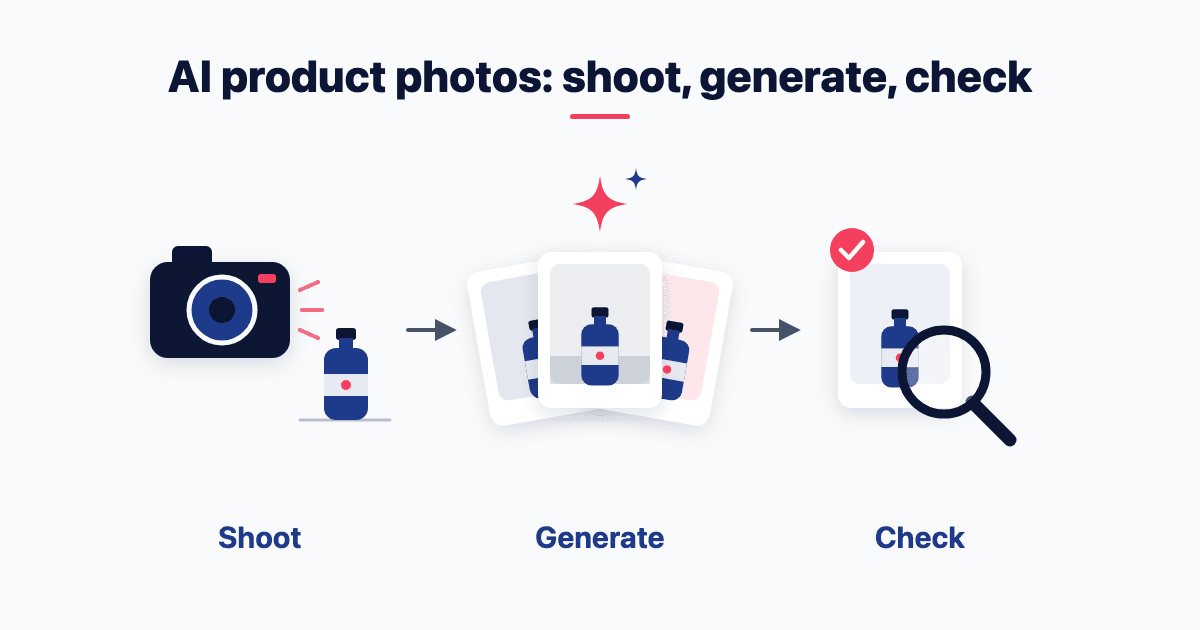
Amazon Ads now generates lifestyle images for Indian advertisers, and it starts from your product photo. Make that your rule for every AI product image. So shoot each product once, cleanly, for the main and detail images. Then generate lifestyle and ad images from that real photo, and check every output against the product in your hand before it goes live.
Can AI product photography replace your photoshoot?
Not for the main image. For most of the other images, yes.
The useful question isn't "AI or a shoot". It's which image slot gets which.
The platforms already work this way. Amazon Ads brought AI image generation to India on 6 July 2026 (Amazon Ads launch note). It starts from your photo: "Advertisers can select or upload a product image". Google's Merchant Center image help suggests Product Studio to "generate custom scenes". Both build a scene around a real product photo. Neither replaces it.
"AI is cheaper, so why shoot at all?" Every generated image inherits its source photo. My IIT Kanpur Session 1 prompt sheet starts its image prompt by telling you to upload your product shot first. The reason: "Nano Banana's superpower is editing your real asset — so the creative comes out yours, not stock." A poor source photo just gives you poor variants, faster.
Cost is where the evidence runs thin. The pages that rank for this topic offer no independent Indian price data for studio shoots. The per-product figure you'll see comes from one AI-photoshoot app's Flipkart guide, which sells the alternative and cites no source. So price your own: products × images per product at your studio's quote, against a tool plan plus review hours.
The same images feed every channel in your direct-to-consumer (D2C) marketing strategy in India.
Shoot or generate: the rule for each image slot
Here is the split, slot by slot.
Main image: shoot it. A staff post on Amazon's India seller forum wants a "pure white background (RGB 255, 255, 255)". The product should "fill at least 85% of the frame", with "no extra text or logos". Amazon's Clothing Image Style Guide (March 2022) adds that the "MAIN image must represent the actual child product being listed". That means the exact colour or variant you sell.
Detail and proof images: shoot them. Texture, fabric drape, stitching, jewellery settings and food packs are where a buyer zooms in to ask, "Is this what I'll get?" Amazon's clothing guide says "Avoid heavily retouched images", and Amazon adds: "For food items, show clear images of the packaging, including all FSSAI-mandated details". In fashion and jewellery, keep this slot real above all.
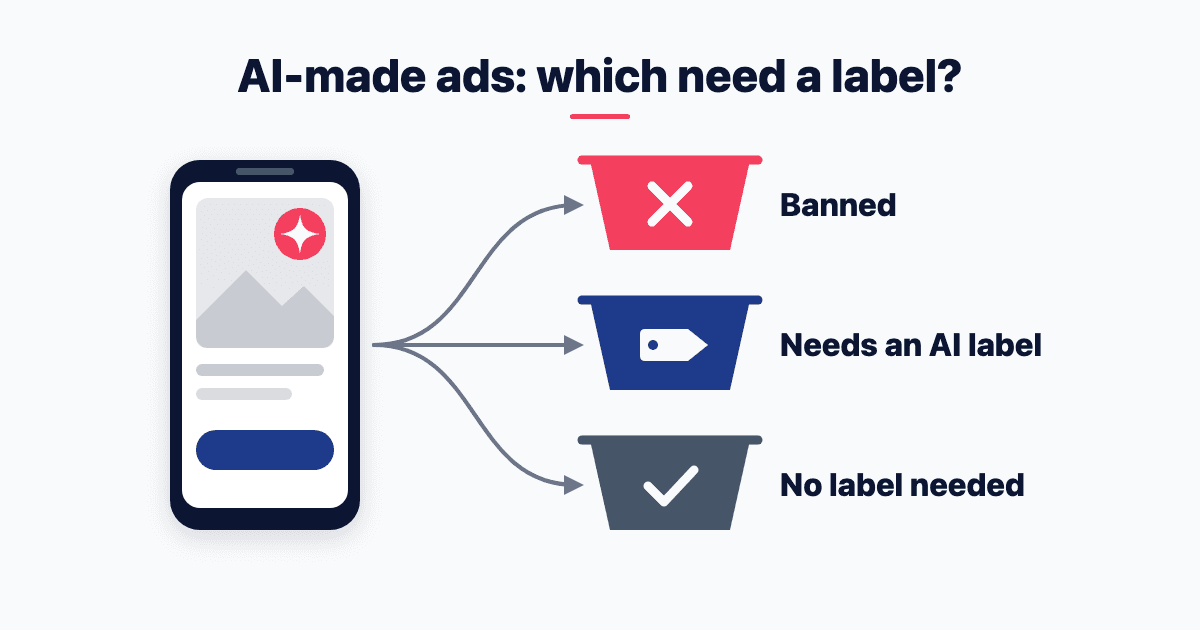
Lifestyle, festive and scene images: generate them from the real shot. So do ad variants in every format (1:1, 4:5, 9:16). Amazon asks for "lifestyle shots to show the product in action". In ads, the Advertising Standards Council of India (ASCI) needs no label for "Purely decorative" backgrounds. They must be "unrelated to the product's actual capabilities or promise" (ASCI's AI labelling guidelines).
AI models wearing or holding the product: generate with care. Fit, length, colour and drape must match the real garment. ASCI makes a label mandatory for "synthetically generated influencers and ambassadors", and prohibits "a person's likeness without consent". The guidelines don't mention catalogue models, so if in doubt, label.
Neither Amazon listing page mentions AI by name. The test is the real product: Amazon's "actual child product", Google's "exact item being sold". Cutting the background out of a real photo is editing. A generated product is a guess at what you sell.
Flipkart. Treat public lists of Flipkart's image rules as second-hand. The clearest, a marketplace-integration partner's Flipkart FAQ, says "Primary Image should be in white background" and "No text/watermark are allowed in the image". It also says "All product images must be professional photoshoots". Confirm these inside your Flipkart seller account before a bulk upload.
How do you generate on-brand product images from your real photo?
Use these AI product photography prompts in any tool that edits an uploaded photo. They come from my published workshop sheets.
Upload the real shot first. Gemini's image help lets you "Upload an image and ask Gemini to make edits". Its Nano Banana 2 model "can accept multiple reference images", so upload two or three angles of the real product. As I wrote in a September 2025 LinkedIn post on image tools, "each tool has its own strength". My pick there for "making variations on an existing visual" was Nano Banana or Gemini.
Prompt the scene, not the product. The product is already in the photo, so describe everything around it. The static prompt from my IIT Kanpur Session 5 sheet reads: "Product photo of [product] on [surface], [lighting], Indian home setting, space at the top third for a headline. Do not render any text."
Add text separately, and never on the main image. The same sheet sends headlines to another tool: "(Ideogram spells; most image models don't.)" On the main image, add none: Merchant Center disapproves "post-production text, marketing callouts, or graphics".
Keep the recipe. The sheet's rule: "Keep the source prompt and the seed/settings with the file." Next season's refresh can then match this one.
The India catch: visible watermarks. Gemini's watermark help says users in India see the watermark setting only "if you have an AI Ultra subscription". Otherwise, "you'll automatically see visible watermarks applied to all visual media that you create with Gemini Apps". This applies "only to Gemini Apps (web and mobile), not AI features in other Google products".
Your sales channels reject watermarks. Amazon's clothing guide says not to add "watermarks to your product shots". Merchant Center disapproves "Stock photo watermarks", and the Flipkart partner FAQ bans them too. So test what your tool and plan stamp on the output before you build a catalogue workflow on it.
This is the image half of the brand-locked image generation in my plan for a D2C brand's first AI budget. If you'd rather have it set up across your catalogue, that's part of my work on AI for marketing.
How do you check an AI product image before it goes live?
My IIM Calcutta DigiAIM session sheet asks three questions of a render before posting: "setting plausible? objects yours? claims provable?" For product images, add two more.
Is the product still yours? Hold the real product next to the screen. Check colour in daylight, then shape, count, print, logo and every word on the pack.
Is the setting plausible? Scale first: a 200 ml bottle must look like 200 ml. The home should fit your buyer. Nothing in the frame should be a brand or object you don't own.
Is every claim provable? The image must not show a result or feature the product doesn't deliver. ASCI's guidelines prohibit "Exaggerating product results or features through claims or visual representations to create a misleading impression". That holds "even if an AI label is used".
Is the metadata intact? Merchant Center says "All images created using generative AI must contain meta data indicating that the image was AI-generated". It adds: "Don't remove embedded metadata tags". Gemini's output carries an invisible SynthID watermark and Content Credentials (C2PA) metadata. Check that your export and compression steps keep them. For the rest of the feed, see your product data for Google's AI Mode.
Who signs it off? My Session 5 rule: "A named human checks every claim before anything is uploaded". Name one person per batch, not "the team".
The law backs the claims check. A misleading advertisement includes one which "falsely describes such product or service" or "is likely to mislead the consumers as to the nature, substance, quantity or quality of such product or service" (section 2(28) of the Consumer Protection Act, 2019). This is not legal advice.
Labels are a separate question: see what ASCI's AI guidelines make you label.
What to do this week
List every product's image slots: main, detail, lifestyle and ad.
Book one clean shoot for the main and detail images only.
Pick one tool that edits an uploaded photo, and test its watermark and metadata output in India.
Generate lifestyle and ad variants from the real shot with a scene-only prompt.
Run the five checks, get one named sign-off, and save the prompt with the file.
If you're building this workflow and want to compare prompts and checks with other operators, join my community on WhatsApp.
Frequently asked questions
Can I use AI-generated images on Amazon?
Yes for ads, but shoot the main listing image. Amazon Ads brought AI image generation to India on 6 July 2026. Amazon's clothing guide encourages "Studio style photography" for "an accurate representation of your product". An Amazon.in staff forum post asks for at least 1,000 pixels for zoom.
Is an AI product photoshoot with a model allowed?
Amazon's clothing guide neither allows nor bans AI models: it never mentions AI. So hold a generated model to the rules for a real one. Posing "should be natural", with no "un-natural forced facial expressions". Models should be "as diverse as Amazon's customer base", and should avoid "covering sellable features". Check every generated image against these rules.
Do AI product images need an AI label?
Only sometimes. ASCI's guidelines need no label for colour correction, light adjustment or "purely decorative" backgrounds. A label is mandatory where AI content "materially influences consumer decisions" and leaving it off would mislead. ASCI's board signed them on 17 September 2026. They apply three months after publication, from late December, so plan for 17 December to be safe.
Is there a free AI product photography tool?
Yes, for drafts and tests. Gemini Apps can edit an uploaded photo without a paid plan. Its help says downloads come "at 1K" (about 1,000 pixels across) without an AI plan, and 2K with one. In India, output without AI Ultra carries a visible watermark. Test free tools on lifestyle drafts, and check resolution and watermark before any marketplace upload.
- D2C
- AI images
- Product photography
Written by Siddhesh Joglekar
Fractional CMO and AI marketing consultant Siddhesh Joglekar helps founders and growth-stage teams build marketing engines that compound.